Word Descrambler
Up to 15 letters. Use ? or * for a blank tile.
Word Descrambler: 7 Fast Ways to Unscramble Any Letters
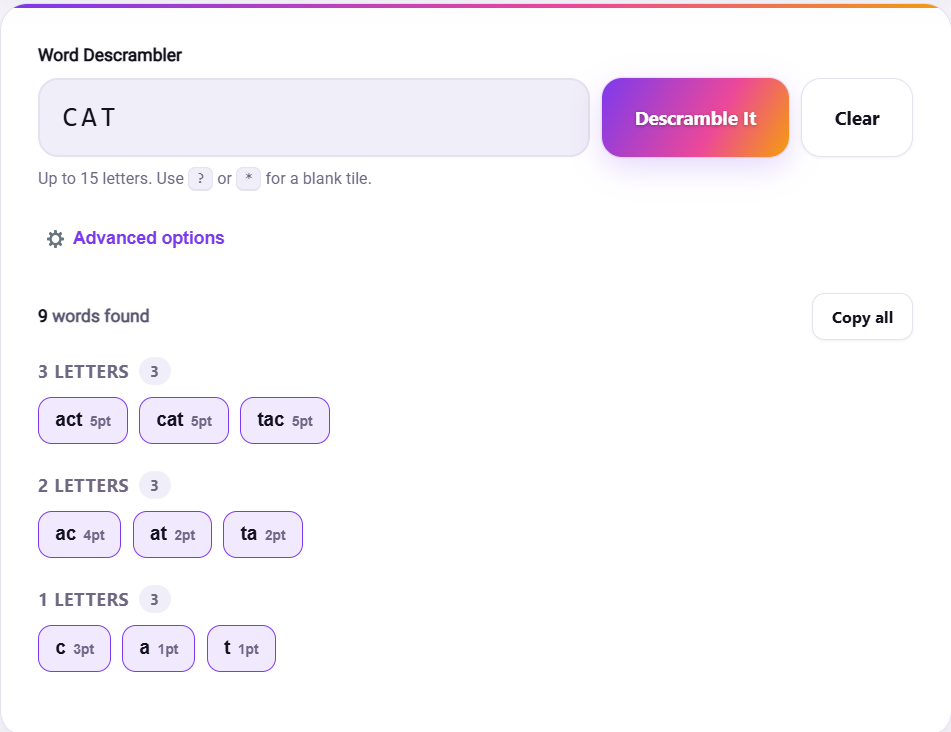
You’ve got seven tiles in front of you. RTEAWNS. Nothing jumps out. You try WATERS, then STEWARN, which is not a word, then you sit there for a full minute rearranging the same letters in your head with nothing to show for it. This is the exact moment a word descrambler earns its keep: type in those seven letters, hit go, and within a second you’re looking at WATERS, ANSWER, and a handful of shorter options you hadn’t even considered.
Type Fast, Don’t Sort First
One thing people get wrong when they first use a descrambler is trying to arrange the letters into something sensible before typing them in. Don’t bother. Order doesn’t matter to the tool at all, it’s checking every possible arrangement of whatever you enter, so RTEAWNS and ANSWERT and WARNEST all return the exact same results. Just type the letters as they sit in front of you and let the tool do the rearranging.
The Letters You Have Change Everything
Here’s something worth knowing before you get frustrated with a jumble that seems to return nothing: some letters are just rarer than others. A rack full of E, A, R, S, and T is going to hand you dozens of options because those five letters show up in an enormous number of English words. Throw a Q, X, or Z into the mix, though, and the list shrinks fast, not because the tool is failing you, but because genuinely fewer words contain those letters. If a search comes back thin, that’s usually the letters talking, not a bug.
There’s a flip side too. Too many results can be its own problem. A big open jumble with common letters can return so many matches that scanning them feels like its own chore. If that happens, adding one more letter you actually have (even if you weren’t planning to use it) often trims the list down to something you can actually scan.
Descrambler, Unscrambler, Anagram Solver: Do You Need All Three?
Short answer: probably not for any single search, but it’s worth knowing they’re not quite the same tool. A Word Unscrambler and a word descrambler do essentially the same job under different names, both take your letters and hand back every valid word hiding inside them. An Anagram Solver is a close cousin but sometimes plays by slightly stricter rules, like only returning words that use every single letter you entered, rather than any subset of them. If one tool comes up empty or gives you fewer results than you expected, it’s worth trying the other before assuming there’s nothing there.
Real Situations This Actually Helps With
This isn’t just a puzzle solving gimmick. It shows up in a few genuinely different moments:
Mid game, stuck on a rack of tiles that just won’t cooperate, staring at letters that feel like they can’t possibly form anything useful. Working through a newspaper or app jumble puzzle where unscrambling the hidden word is the entire point of the exercise. Or just double checking yourself, you half remember a word is spelled a certain way, type the letters in, and confirm it’s actually real before you commit to it out loud or on paper. Once you’ve confirmed a word exists, checking its meaning on something like Merriam-Webster is a good next step if you want to be sure you’re using it correctly.