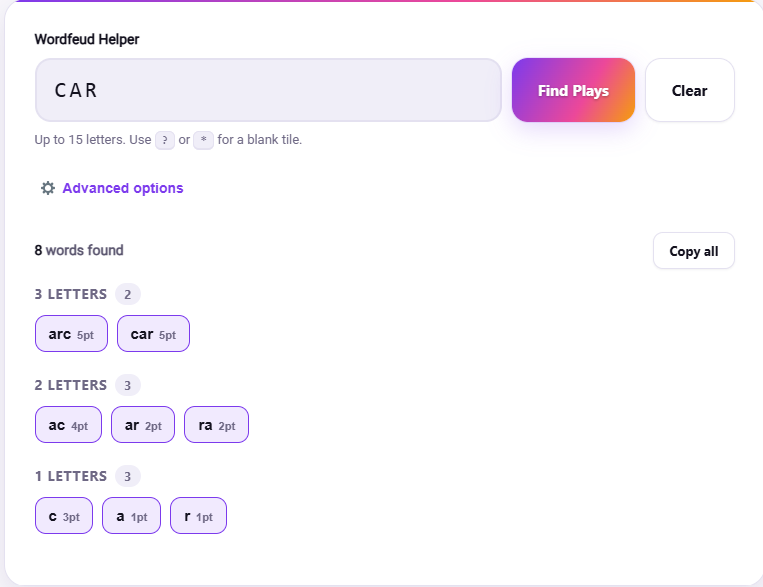
Wordfeud Helper
Up to 15 letters. Use ? or * for a blank tile.
Wordfeud Helper: Find Your Best Move, Wordfeud Specific
Wordfeud looks like Scrabble at a glance, same 15 by 15 board, same idea of building words off a shared grid, same letter tiles in your rack. Underneath that, though, it runs its own numbers. Wordfeud Helper exists because a generic Scrabble word finder is quietly working from the wrong rulebook the whole time you’re using it.
Why Wordfeud Helper Beats a Generic Word Finder Here
Wordfeud starts each game with 104 tiles rather than Scrabble’s 100, and its bingo bonus for playing all seven tiles in one turn is 40 points, not Scrabble’s familiar 50. Small differences on paper, but they add up across a full game, and a tool built around Scrabble’s numbers will quietly misjudge the value of certain plays without ever telling you it’s doing so. Wordfeud Helper is built around Wordfeud’s actual rules from the start, according to Wordfeud’s own official rules page, rather than treating it as a Scrabble reskin.
The Board Might Not Even Be the Same Twice
Here’s something that trips up players coming from Scrabble specifically. Wordfeud lets you choose a randomized board instead of the standard fixed layout, scattering double and triple word and letter squares into completely different positions each game. A standard board rewards memorized opening strategy. A random board punishes it, since the premium squares you’re used to chasing might be nowhere near where you’d expect them. Wordfeud Helper accounts for whichever board you’re actually playing on rather than assuming a fixed layout, since your first move on a random board can look completely different from your instinct built on years of Scrabble muscle memory.
How Wordfeud Helper Handles Games That Last Days, Not Minutes
Wordfeud is built around asynchronous play, and many players run a dozen or more games simultaneously, each one unfolding over days rather than in a single sitting. That changes how you use a helper tool in practice. Instead of scrambling under a clock, you often have time to actually study a position, compare a few candidate plays, and think about what letters you’re leaving your opponent access to for their next move, which might not come for another day. Wordfeud Helper works well in that slower rhythm, letting you check a handful of options rather than grabbing the very first playable word you spot.
Your Rack, Their Dictionary
Every Wordfeud game runs on a specific language dictionary chosen when the game was set up, and even English has separate US and UK word lists within Wordfeud specifically. A word that scores beautifully in one language’s dictionary might not exist at all in another, so it’s worth double checking which dictionary your specific game is using before assuming a word will be accepted. If you want to explore what your exact rack of letters can form more broadly, outside any single game’s dictionary rules, the Word Unscrambler is a good general starting point, and if you’re trying to fully rearrange a smaller set of tiles rather than search for any valid subset, the Anagram Solver covers that specific case.